 ClothesLook
AI photo to video: turn your fashion visuals into video
Your product or on-model photo becomes a short 5, 8 or 10-second video. The photo is the first frame — the motion starts from your visual exactly as it is.
What is AI photo animation?
AI photo animation means generating a short video from a still image: the photo is used as the first frame, then the AI creates the motion. On ClothesLook, you choose the duration (5, 8 or 10 s), the resolution (480p to 1080p) and, if you wish, one of 65 camera moves.
How it works
Pick a photo
Upload an image, reuse one from My images or choose it from your history.
Set up the animation
Choose the duration and resolution, then, in advanced mode, the camera move and a free-text instruction.
Download the video
Start the animation and get the MP4, also available in your history.
Social media, product pages, ads: everything calls for video, but your visuals are photos. Shooting a video for every product means a set, a crew and editing — a cost that is hard to justify across a whole collection.
Animate starts from a photo you already have and turns it into a short video with that photo as the first frame. You choose the duration (5, 8 or 10 s) and the resolution (480p, 768p or 1080p). In advanced mode, you pick one of 65 camera moves — tracking, orbit, crane, drone, zoom… — or let Automatic decide, and you can add a free-text instruction. The result is a downloadable MP4, kept in your history.
Photo animation vs video shoot
| Criterion | Video shoot | ClothesLook (AI) |
|---|---|---|
| Starting point | set, model, crew | an existing photo |
| Logistics | shoot, then editing | no shoot, no editing |
| Camera moves | dedicated gear (crane, drone…) | 65 moves to choose from |
| Cost | a full shoot day | 30 to 80 credits per video |
| Variations | a new shoot | choose duration and resolution |
Your photo as the opening frame
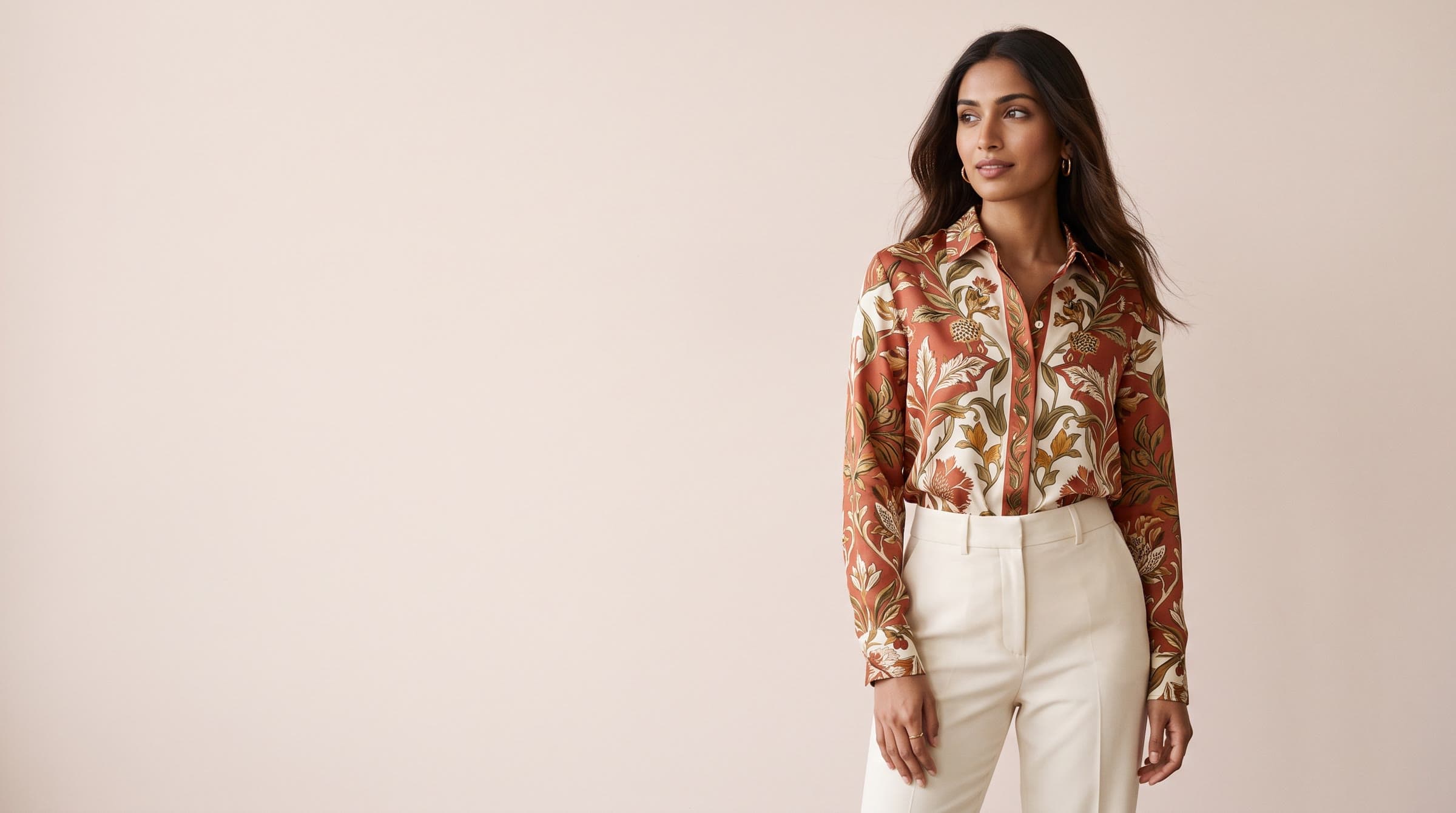
The video starts exactly on your photo: the model, the garment and the setting of your visual are where the motion begins.
65 camera moves
Tracking, orbit, crane, drone, zoom… Each move comes with a video preview so you can choose with confidence. Or let Automatic mode choose for you.
Your choice of duration and resolution
5, 8 or 10 seconds, in 480p, 768p or 1080p: fit the video to its use, from a quick preview to high-definition publishing.
A free-text instruction
In advanced mode, describe in a few words what you want to see, on top of the camera move you picked.
Who is it for, and when?
- Turn product page photos into short videos for your online store.
- Create Reels, TikTok and Stories content from existing visuals.
- Bring a campaign photo to life for an ad.
- Animate a visual made with ClothesLook (try-on, photoshoot, scene) without starting over.
Who is it built for?
E-commerce stores
Add video to your product pages from the photos you already have.
Fashion brands
Turn your campaign visuals into motion content for social media and advertising.
Social media managers
Feed Reels, TikTok and Stories without organizing a shoot.
Independent designers
Bring your creations to life on video, with no equipment or editing skills.
Frequently asked questions
6, 7 or 8 credits per second depending on the resolution (480p, 768p or 1080p). A video therefore costs from 30 credits (5 s in 480p) to 80 credits (10 s in 1080p).
You choose 5, 8 or 10 seconds before starting the animation.
In advanced mode, 65 camera moves — tracking, orbit, crane, drone, zoom… — each with a video preview. Automatic mode can also choose for you.
Your photo is the first frame of the video: the motion starts from your visual exactly as it is.
Animate is a Pro feature, included in the Seller, Brand and Studio plans.
As a downloadable MP4. It is also kept in your history, under the Videos tab.
Yes: in advanced mode, add a free-text instruction on top of the camera move you picked.
You start with 10 free credits when you sign up, no credit card required.
Guides & resources
Your next catalogue shoot starts here.
Launch it without a studio, without an agency, without post-production.