
AI Runway & 360° Video: How to Create Fashion Videos With No Shoot (2026)
Turn a single photo into a runway video or a 360° view with AI. Video types, use cases, creation steps and best practices for social media.
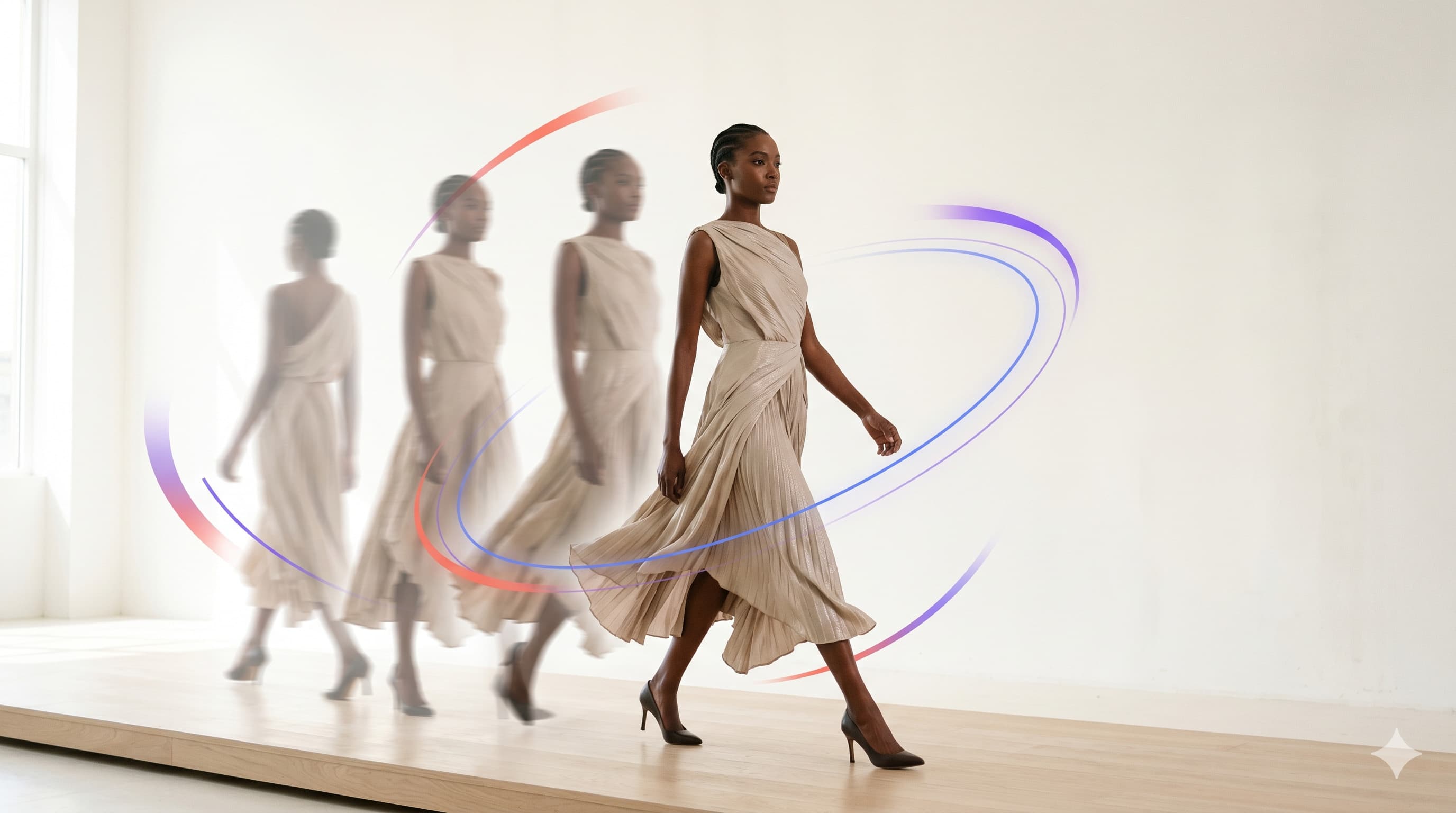
Video has become the dominant format in online fashion: it grabs attention, shows how a garment moves, and performs on social. But filming is expensive. With AI video generation, you turn a single photo into a runway video or a 360° view, with no filming, no studio.
This guide explains the types of AI-generated fashion videos, their use cases, and how to create them.
Image-to-video generation: the principle
The AI animates a still image to create realistic motion — a model walking the runway, a product rotating, an animated shoot scene.
Starting from an on-model visual (from a virtual try-on, for example), the AI generates a coherent video sequence, with natural motion and stable lighting.
Types of AI fashion videos
| Type | What it shows | Ideal for |
|---|---|---|
| Runway | The model in motion, dynamic walk | Storytelling, Reels, TikTok |
| 360° view | The product rotating on itself | Product pages, every angle |
| Animated shoot | Micro pose movements, studio mood | Homepage hero, ads |
These formats are complementary: a 360° view reassures on the product page, while a runway video drives clicks on social.
Why add video to your fashion strategy
Grab attention on social
TikTok, Reels and Shorts algorithms favor video. A few-second AI runway clip generates more engagement than a still image.
Increase conversion on product pages
A 360° view lets shoppers see the product from every angle, reducing uncertainty and lowering returns.
Produce at scale
No shoot to schedule: each new product can have its video the same day, at a marginal cost.
How to create a fashion video with ClothesLook (steps)
- Start from a visual — a product photo or an on-model visual from virtual try-on.
- Choose the video type — runway, 360° or animated shoot.
- Generate — the AI animates the scene in seconds.
- Export as MP4 — vertical for social, or horizontal for product pages.
- Publish — on TikTok, Reels, YouTube Shorts, or straight into your store's media gallery.
Best practices for social
- Vertical 9:16 format for TikTok / Reels / Shorts.
- 3 to 8 seconds: short and punchy, with the product visible in the first frame.
- Brand consistency: same model and style across a campaign (Identity Lock).
- Captions / hook: add short text for context (outside AI generation).
Conclusion
AI video generation puts motion — once reserved for big budgets — within reach of every brand. Runways, 360° views and animated shoots are created from a single photo, in seconds, feeding both your product pages and your social channels.
Want to create your first videos? Explore AI runway video or compare plans. For the basics: AI virtual try-on and our complete guide.
Frequently asked questions
Yes. AI image-to-video generation animates a still photo to produce a runway walk, a 360° rotation or a shoot-style motion, with no filming or studio.