
Create an Editorial Fashion Lookbook With No Team or Budget (AI Guide 2026)
How do you create a couture-worthy fashion lookbook, solo and on no budget? The step-by-step guide to producing a consistent editorial lookbook with AI.
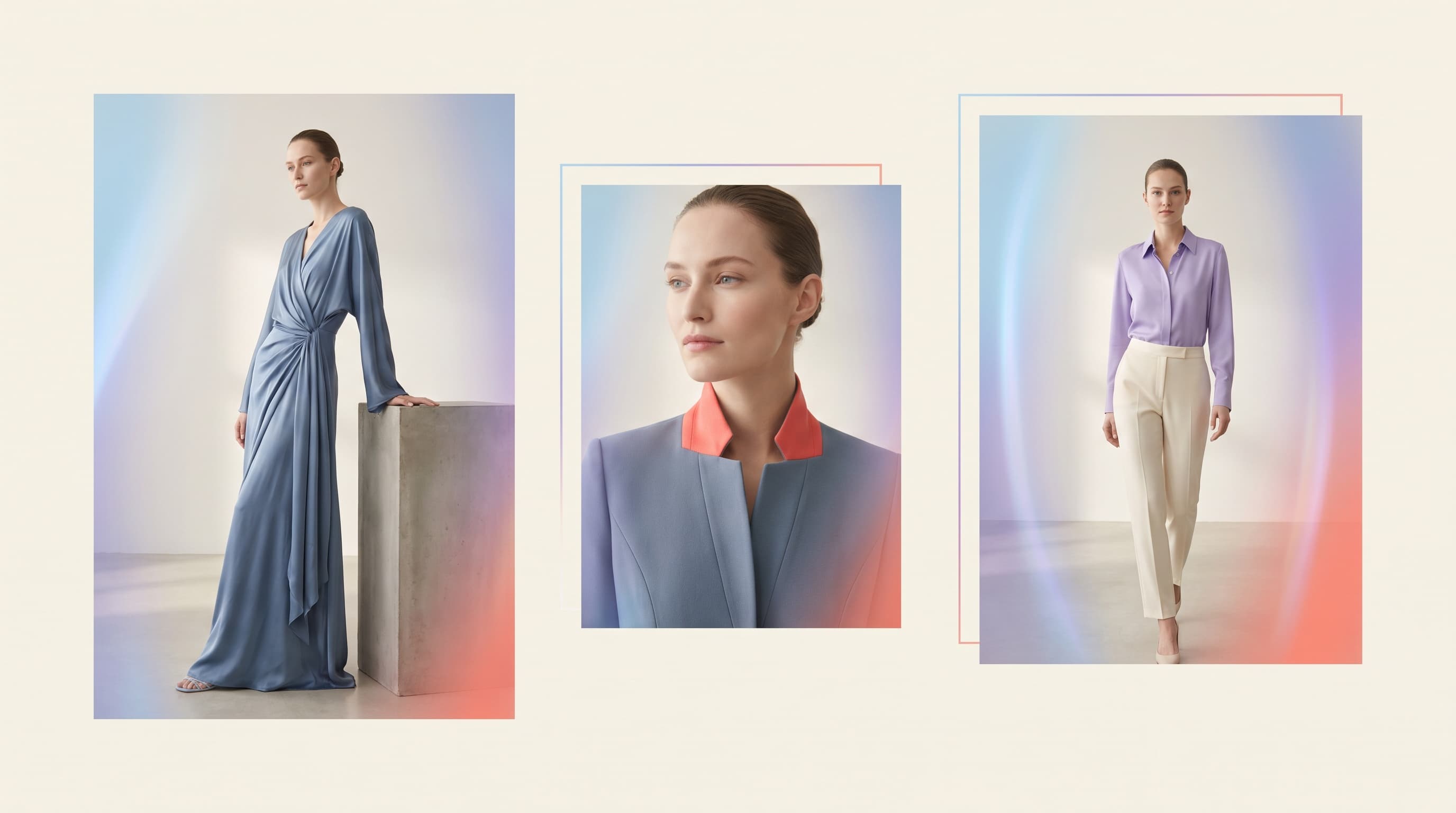
To create an editorial fashion lookbook with no team or budget, use an AI virtual try-on studio: upload photos of your pieces, choose one or more consistent models, generate the on-model visuals and arrange them in a homogeneous editorial sequence. You get a couture-worthy lookbook, solo, in one afternoon.
This guide explains what a successful lookbook is, how to produce it entirely with AI, and the consistency rules that turn a set of photos into genuine brand editorial work.
What is a lookbook and why have one?
A lookbook is an editorial presentation of a collection: a sequence of consistent visuals telling a brand's story, piece by piece. It's the tool that:
- projects a professional image from the very first drop;
- appeals to press, buyers and stores;
- feeds the website, newsletter and social channels;
- helps customers picture themselves in the brand's world.
Without a lookbook, a young brand looks amateur. With one, it plays in the big leagues — provided the visuals are consistent.
How to create a lookbook with no photographer or model
AI lets you produce a full lookbook from your pieces alone:
| Classic step (studio) | AI equivalent |
|---|---|
| Cast a model | Choose a generated model |
| Book studio + photographer | Online studio, no equipment |
| Shoot each outfit | Generate each on-model visual |
| Selection + retouching | Variants included, direct export |
| Editorial layout | Arrange visuals in sequence |
All with no coordination, no travel and for a few dollars.
Creating your AI lookbook (steps)
- Prepare your pieces. Photograph each garment sharply (smartphone is fine) or reuse your flat-lay photos.
- Choose your model(s). Select a reference model and lock it for consistency (Identity Lock). For an inclusive collection, plan 2-3 body shapes.
- Generate the on-model visuals. Dress the model in each piece.
- Harmonize the art direction. Keep a constant background, lighting and palette from one visual to the next.
- Add motion. A few 360° or runway videos energize the lookbook on social (see our guide on runway & 360° video).
- Sequence it. Order the visuals like a story: strong opening, hero pieces, details, close.
- Export in high resolution for a press PDF, your site or social media.
The consistency rules of an editorial lookbook
What sets a couture-house lookbook apart from a plain photo gallery is consistency. Three rules:
- A recurring model (or a small family of models): your brand face.
- A constant palette and lighting: the same mood across the whole series.
- An editorial rhythm: alternating wide shots and details, like a magazine.
These principles are within reach of a solo creator thanks to AI, where they once required an art director and a crew.
From lookbook to product catalog
A lookbook appeals; the product page converts. Once your lookbook is ready, turn each piece into clean product visuals (on-model, ghost mannequin) for your pages — see our guide on going from flat-lay to on-model. The same AI work thus feeds both your brand image and your sales.
In summary
Creating an editorial lookbook no longer requires a team or budget. With AI, a solo creator uploads their pieces, generates consistent on-model visuals, sequences them and exports a couture-worthy lookbook — for a few dollars and in one afternoon.
Want to create yours? Discover ClothesLook for free, the AI fashion photoshoot studio and virtual try-on.
Frequently asked questions
A lookbook is a series of visuals presenting a collection in an editorial, consistent way, like a mini fashion catalog. It shows a brand's world, appeals to buyers, press and customers, and projects a professional image from launch.