ClothesLook
Photoroom AI Fashion Models Review: Features, Plans and the Best Alternative for Clothing Brands (2026)
Photoroom's AI Fashion Models (formerly Virtual Model) reviewed: how it works, what each plan includes, its limits on complex garments, and when ClothesLook fits a clothing brand better.
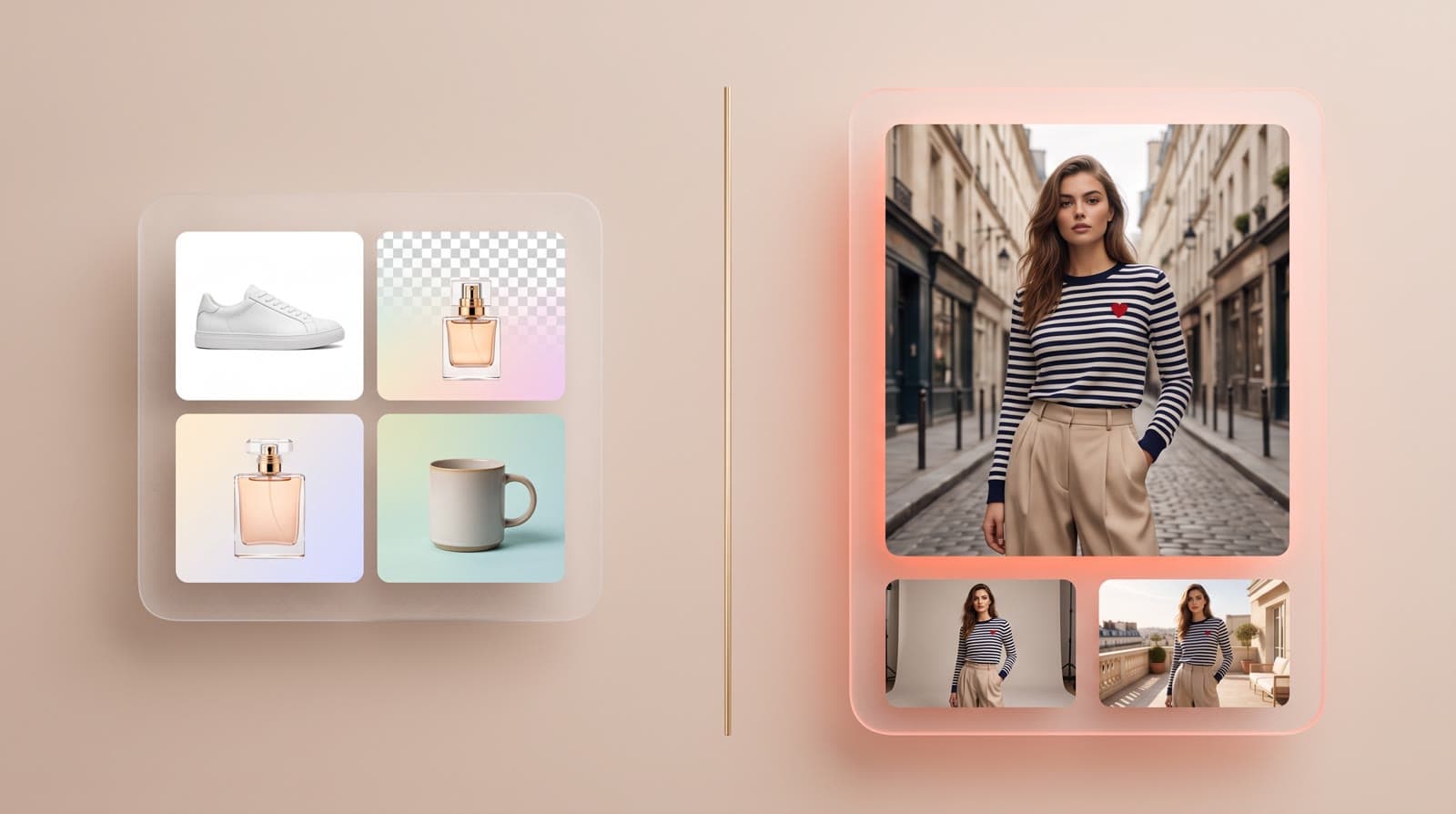
Short answer: Photoroom is an excellent general product photo editor that has added AI Fashion Models (formerly Virtual Model) to show clothing on AI-generated models, with high monthly volumes. ClothesLook is built only for fashion: the same model across a whole collection, models from baby to adult, editorial scenes, runway video and 360° views. Here is an honest look at Photoroom's fashion feature and when an alternative fits better.
What is Photoroom AI Fashion Models?
Photoroom is best known for background removal, AI backgrounds, templates and batch editing. Its fashion feature, according to its product page and help center:
- Input: a photo of the garment. Several clothing photos can be combined into one outfit.
- Model: choose from a preset list or upload your own model photo.
- Pose and background: chosen in the same flow.
- Where: web app, iOS and Android apps, Shopify app and API.
- Engine: Photoroom's product page says the tool is powered by GPT-Image-1 and Photoroom.
- Access: paid plans only, using AI credits.
Photoroom's help center also states a clear limit: Virtual Model images can differ from the original photos, especially with complex patterns, shapes and text.
Photoroom plans (2026)
Photoroom's public pricing page lists the following volumes per month (prices are shown by country and billing period, so check the page for your market):
| Plan | AI Fashion Models | Video generator | Shopify integration |
|---|---|---|---|
| Pro | Up to 1,600 at 1K | ❌ | ❌ (single images in the Shopify app) |
| Max | Up to 5,000 at 1K or 185 at 2K | Up to 50 | ✅ |
| Ultra | Up to 15,000 at 1K, 555 at 2K or 310 at 4K | Up to 150 | ✅ |
| Enterprise | Custom | Custom | Custom |
API usage is billed separately, from an API credit wallet included with each paid plan.
Volumes come from Photoroom's public pricing page at the time of writing and may change.
Where Photoroom shines
- Very high monthly volumes at 1K resolution.
- A complete product photo toolbox: background removal, AI backgrounds, templates, batch editing.
- Mobile apps, Shopify app and an API.
- One tool for every product category, not only fashion.
Photoroom vs ClothesLook
| Criteria | ClothesLook | Photoroom |
|---|---|---|
| Garment photo → on-model | ✅ | ✅ |
| Built for | Fashion only | Every product category |
| Same model across a collection | ✅ Identity Lock | ⚠️ By uploading your own model photo |
| AI model options | ✅ Ages baby to adult, skin, hair, hijab, body size | ✅ Preset models |
| Logos, prints and text | ✅ Garment fidelity is the core of the product | ⚠️ May differ on complex patterns and text (Photoroom help center) |
| Editorial scenes | ✅ Hundreds of ready-made fashion scenes | ✅ AI backgrounds |
| Video & 360° | ✅ Runway video + 360° view | ✅ Video generator from Max |
| Jewelry try-on | ✅ | ⚠️ Not advertised |
| Batch + Shopify | ✅ Catalog Studio | ✅ From Max |
| Pricing | ≈ $0.40 per try-on (Hobby: 30 try-ons for $12/mo) | Plan-based volumes, prices vary by country |
| Free trial | ✅ 10 credits, no credit card | ✅ Free trial on Pro and Max |
Pick Photoroom if you sell many product categories, need background removal and templates every day, and want on-model images as one feature among many.
Pick ClothesLook if you are a clothing brand and on-model photos are the core of your catalog: lock one model across every product with the AI model generator, place pieces in editorial scenes, add runway video and a 360° view, and publish to Shopify.
Other Photoroom alternatives for fashion
- Botika — flat lay and ghost mannequin to on-model, with retouch rounds. Read our Botika review.
- FASHN — low cost per image, mobile apps and an API. Read our Fashn AI review.
- See the full ranking: the 6 best AI fashion model generators.
Go further
- AI photoshoot for clothing brands: shot list and garment fidelity
- From flat lay to on-model photos with AI
- AI lookbook generator
Test it on your hardest garment — the one with a logo or a print. Try ClothesLook — 10 free credits, no credit card required. See plans.
Frequently asked questions
It is Photoroom's tool for showing clothing on AI-generated models, previously called Virtual Model. You upload a clothing photo, choose a preset model or upload your own, then pick a pose and a background. It is available in the web app, mobile apps, Shopify app and API, on paid plans.
According to Photoroom's pricing page, Pro includes up to 1,600 AI fashion model generations per month at 1K, Max up to 5,000 at 1K or 185 at 2K, and Ultra up to 15,000 at 1K, 555 at 2K or 310 at 4K. Video generation and the Shopify integration start on Max.
Photoroom's own help center notes that Virtual Model images can differ from the original photos, especially with complex patterns, shapes and text. Test your hardest garments before relying on it for a full catalog.
If you need fashion-specific features — the same model across a whole collection, models from baby to adult with hijab and body size options, editorial scenes, runway video and 360° views — ClothesLook is built for that. A try-on costs about $0.40 on the Hobby plan, with 10 free credits and no credit card.