 ClothesLook
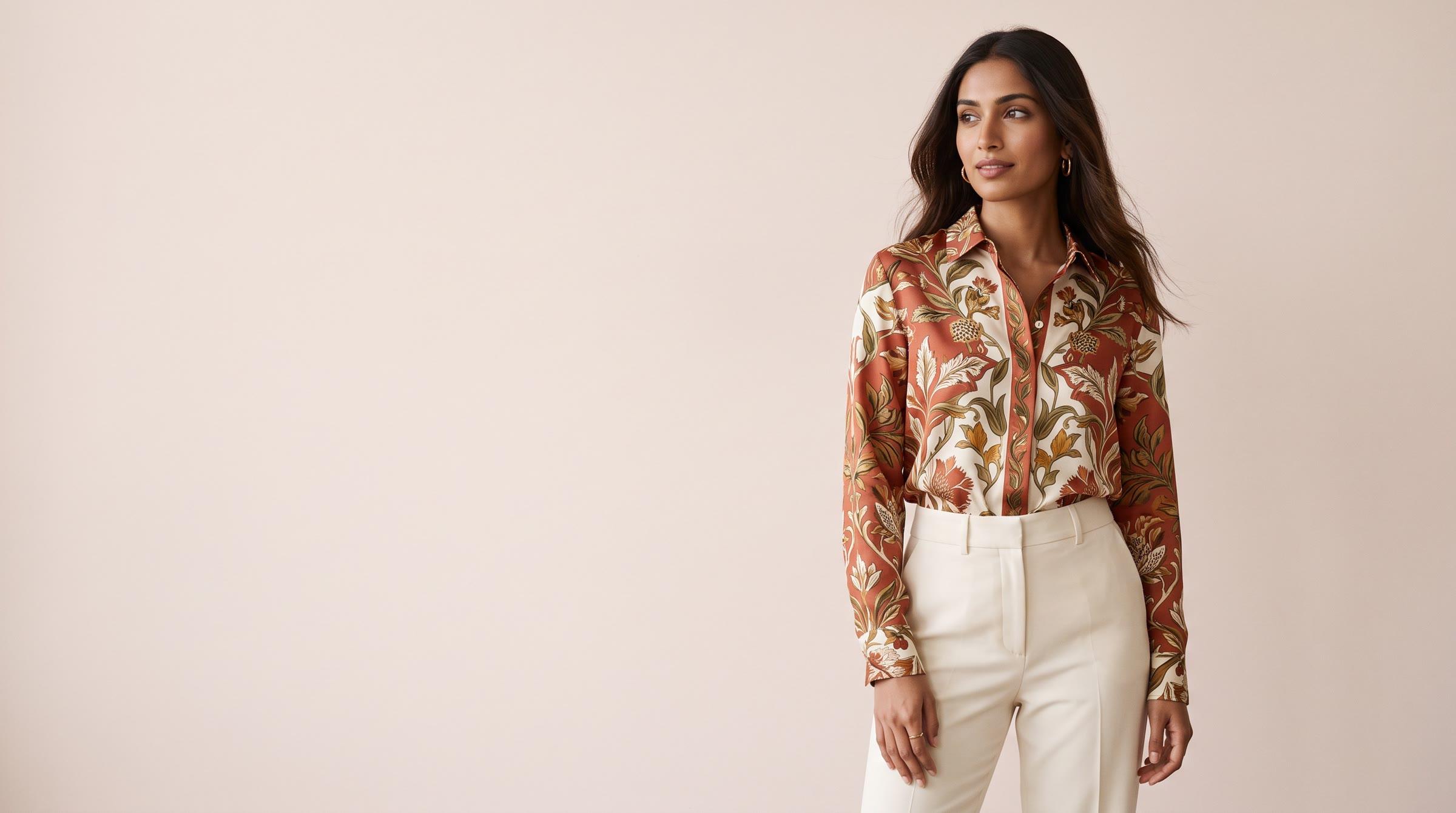
AI hairstyle changer: change your models’ hair color and cut
Upload a model photo, choose the new hair, and get the same photo with a different hair color or cut.
Included in the Seller, Brand and Studio plansSee pricing

How do you change a model’s hairstyle with AI?
You upload the model photo and choose the new hair color or cut: the AI edits the hair and delivers the same photo with the new hairstyle.
How it works
Upload the photo
Drop the model image or pick it from your images and creations.
Choose the hair
New color, new cut, or both.
Generate
Get the same photo with the new hairstyle.
The same look doesn’t speak to everyone the same way. Changing the hairstyle for a campaign, a market or a style normally takes a new photoshoot, with a hairdresser and a model.
Hairstyle change edits a model’s hair color and cut on an existing photo. You upload the image — PNG, JPG or WEBP, up to 20 MB, or from your images and creations —, then choose the new hair.
New photoshoot vs ClothesLook Hairstyle change
| Criterion | New photoshoot | ClothesLook Hairstyle change |
|---|---|---|
| Crew | hairdresser, model, photographer | none |
| Starting point | new session | your existing photo |
| Steps | full organization | 2 |
| Settings | depends on the session | color and cut |
Color and cut
Change the color, the cut, or both, on an existing photo.
In 2 steps
The photo, then the hair: that’s it.
Your existing images
Upload a file or reuse a photo from your images and creations.
No new photoshoot
Adapt the same visual with no hairdresser and no new session.
Who is it for, and when?
- Deliver the same visual with several hairstyles.
- Adapt a model’s style to a campaign.
- Test a cut or a color before a photoshoot.
- Vary a catalog’s visuals without changing models.
Who is it built for?
Fashion brands
Adapt your visuals’ style to every campaign.
E-commerce stores
Vary your visuals without changing models.
Social media teams
Deliver the same content in several styles.
Art directors
Test a hairstyle before requiring it on a shoot.
Frequently asked questions
The model’s hair color and cut.
PNG, JPG or WEBP up to 20 MB, or an image already in your images and creations.
Two: the photo, then the new hair.
Hairstyle change is included in the Seller, Brand and Studio plans.
Yes, you can pick an image straight from your creations.
Yes, with the Expression change tool.
Guides & resources
Your next catalogue shoot starts here.
Launch it without a studio, without an agency, without post-production.