 ClothesLook
AI product photography for fashion: a plain-background studio for your garments
Dress an AI model in up to 10 items, choose the pose, background color and format, and get a studio product photo up to 4K.
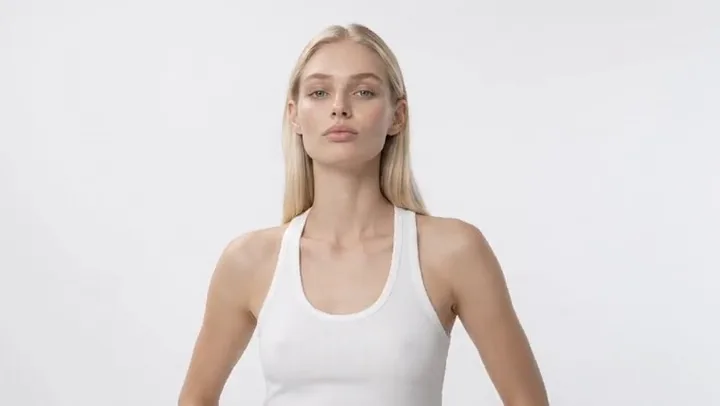
What is an AI product photoshoot?
It is a virtual photo studio: you upload your garments, and the AI has a model wear them, in the pose, on the plain background and in the format you choose, to produce a product photo ready for your catalog.
How it works
Add your items
Upload up to 10 garments and accessories, and choose the model.
Set up the studio
Choose the pose, background color and image format.
Generate
Get your studio product photo, in 2K or 4K.
A product page needs clean, consistent studio photos: same background, same light, same framing, and the full outfit worn. Getting them piece by piece takes a studio, a model and a lot of retouching.
Shooting Pro is a photo studio for your garments. You combine several items on the same model — top, bottom, dress, coat, bag, accessory, shoes —, up to 10 per photo. You choose the pose, a plain background (white, light gray, gray, charcoal, black, beige, cream, sand or a custom color), the format, and export in 2K or 4K. The exact same background color appears on every photo.
Studio photoshoot vs ClothesLook Shooting Pro
| Criterion | Studio photoshoot | ClothesLook Shooting Pro |
|---|---|---|
| Model | casting and session | AI model |
| Background | to set up and light | same plain background on every photo |
| Outfit | styling on set | up to 10 items combined |
| Formats | cropping in retouch | 7 formats at export |
The full outfit
Up to 10 items on the same model: top, bottom, dress, coat, bag, accessory, shoes.
The same plain background
White, gray, black, beige, sand or a custom color: the exact same color on every catalog photo.
The right format
1:1, 3:4, 4:3, 2:3, 3:2, 9:16 or 16:9: every photo is ready for where it goes.
Up to 4K
Export in 2K or 4K, and add your own instructions if needed.
Who is it for, and when?
- Produce the product photos of a new collection on a plain background.
- Show a complete worn outfit, from coat to shoes.
- Keep the same background across a whole e-commerce catalog.
- Deliver the same photo in several formats.
Who is it built for?
E-commerce stores
Consistent product photos for every product page.
Fashion brands
Show your collections worn, as complete outfits.
Marketplace sellers
A plain background and the right format for every platform.
Independent designers
A studio look without renting a studio.
Frequently asked questions
Up to 10 items on the same model: top, bottom, dress, coat, bag, accessory, shoes.
Plain backgrounds: white, light gray, gray, charcoal, black, beige, cream, sand, or a custom color.
1:1, 3:4, 4:3, 2:3, 3:2, 9:16 and 16:9, in 2K or 4K.
Fast Shooting produces videos. Shooting Pro produces studio product photos on a plain background.
Shooting Pro is open to all accounts.
Yes: leave the pose free or pick one.
Guides & resources
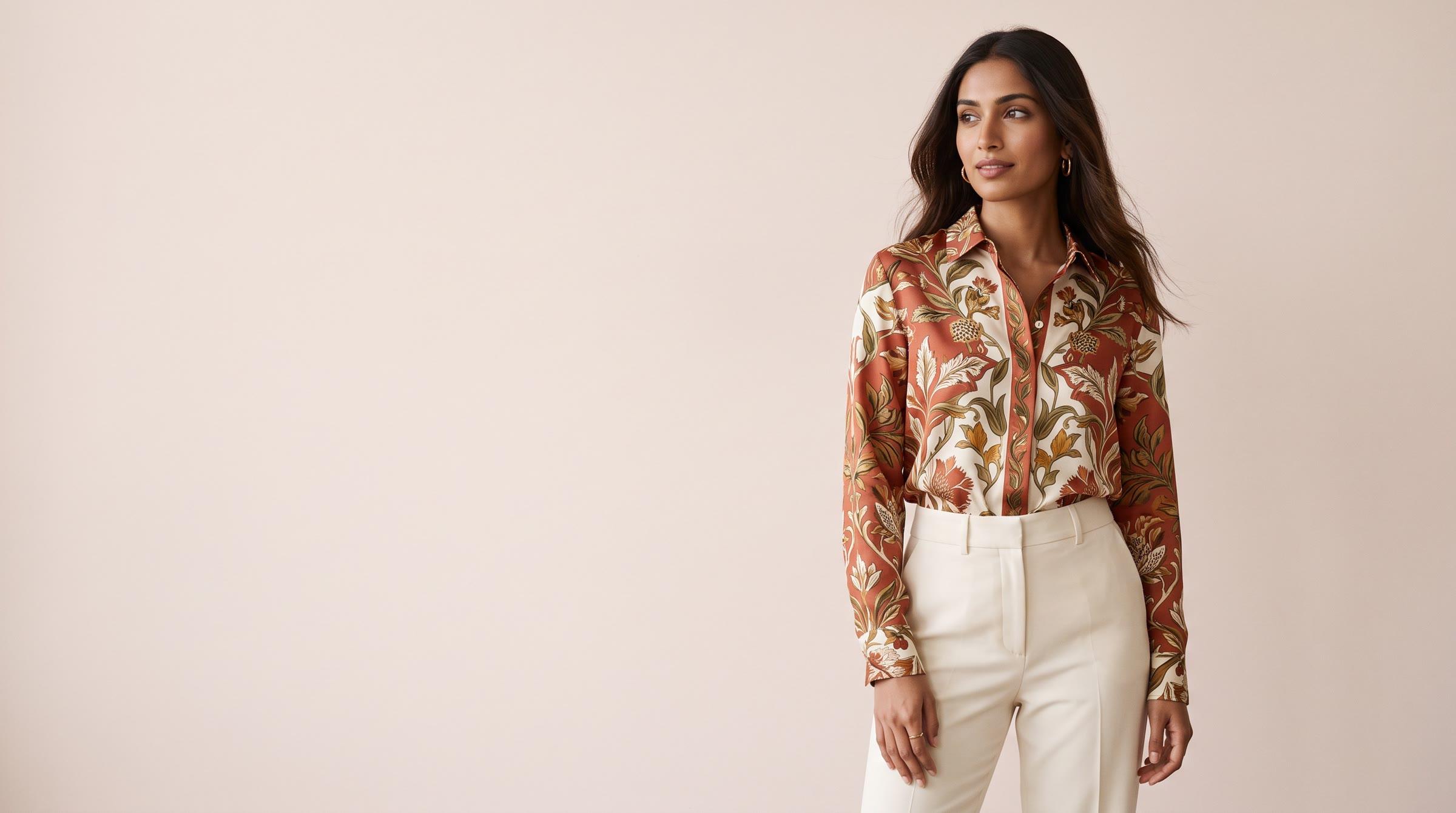
Your next catalogue shoot starts here.
Launch it without a studio, without an agency, without post-production.