
Pro Product Photos for Etsy and Instagram: The Maker's Guide (2026)
How do you get professional product photos for your Etsy shop or Instagram with no studio? The AI guide for makers and handmade brands on a small budget.
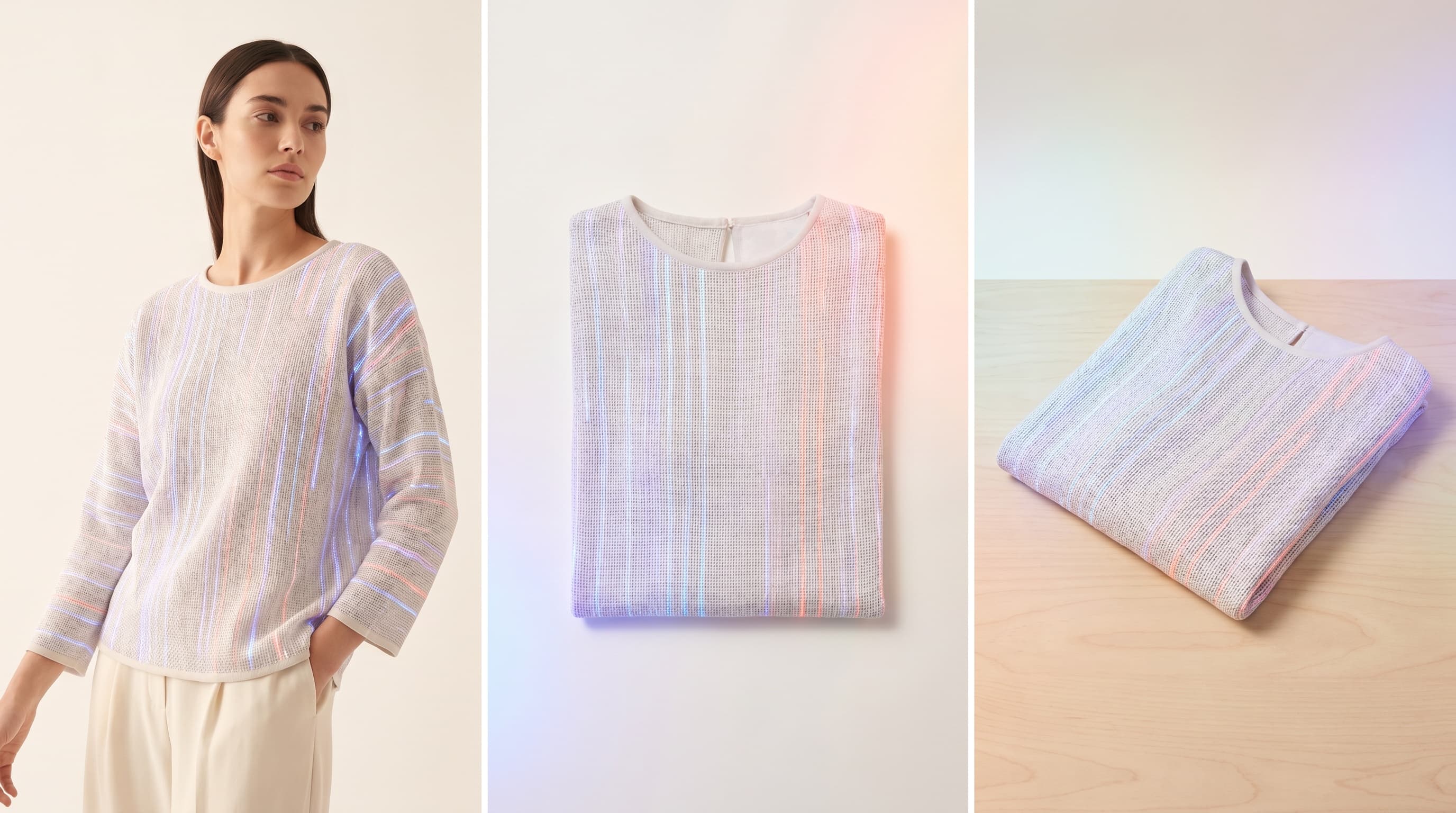
To get professional product photos on Etsy or Instagram with no studio, use AI virtual try-on: photograph your creation even on a smartphone, upload it, and generate an on-model visual on a realistic model or a clean product render. Photos worthy of a big shop, for a few dollars, with no photographer or model.
This guide is for makers and handmade brands: it explains which photos convert on these platforms and how to produce them with AI, step by step.
Why your photos make (or break) your sales on Etsy and Instagram
On a marketplace or a feed, the customer only has the image. A beautiful creation badly photographed sells poorly, while a simple piece well presented catches the eye. Concretely, good photos:
- raise click-through on Etsy listings and engagement on Instagram;
- reassure buyers about the quality of the handmade work;
- reduce questions and returns;
- project a professional brand image, even for a solo maker.
The problem: renting a studio or a model is out of reach for most makers. AI removes that obstacle.
Which photos convert by platform
| Platform | Visuals that work | Format |
|---|---|---|
| Etsy | On-model + detail + in-context, clean background | Sharp photos, multiple angles |
| Instagram (feed) | Consistent editorial, harmonious palette | Square / portrait, series |
| Instagram (Reels) | 360° video, motion | Vertical, short |
| Online store | On-model + ghost mannequin | High resolution |
The ideal: an on-model visual (the customer projects) complemented by a clean product visual (clarity), adapted per platform.
Producing your product photos with AI (steps)
- Photograph your creation. A sharp photo, soft light, neutral background. Your smartphone is enough, flat or on a hanger.
- Upload it into the AI studio. Add the image of your piece.
- Choose the render. On a realistic model, or the ghost mannequin effect for a clean marketplace-style background.
- Match the model to your customer base (body shape, style).
- Create variants of angles, colors, and add a video for Reels.
- Export in high resolution and publish on Etsy, Instagram or your store.
All in a few minutes per product, with no equipment.
Tips specific to handmade makers
- Show it worn: this is what maker shops most often lack and what helps sell most (see going from flat-lay to on-model).
- Stay consistent: the same model and mood across the shop strengthen your identity (Identity Lock).
- Think diversity: rendering on several body shapes helps every customer project themselves (see diverse AI fashion models).
- Be transparent where needed about using generated visuals, while staying faithful to the delivered product.
What it costs for a maker shop
Very little. Most tools, including ClothesLook, offer free credits with no credit card. A maker can redo the photos of their entire shop for a few dollars — where a single shoot would have cost hundreds. For the details, see photoshoot cost vs AI.
In summary
Professional product photos for Etsy and Instagram no longer require a studio. With AI, a maker photographs their piece, generates an on-model or clean product visual, adapts it per platform and publishes — for a few dollars, in minutes.
Ready to elevate your shop? Discover ClothesLook for free or AI virtual try-on.
Frequently asked questions
By using AI virtual try-on: you photograph your creation even on a smartphone, upload it, and generate an on-model visual on a realistic model or a clean product render. You get professional photos for Etsy without renting a studio or hiring a photographer.